
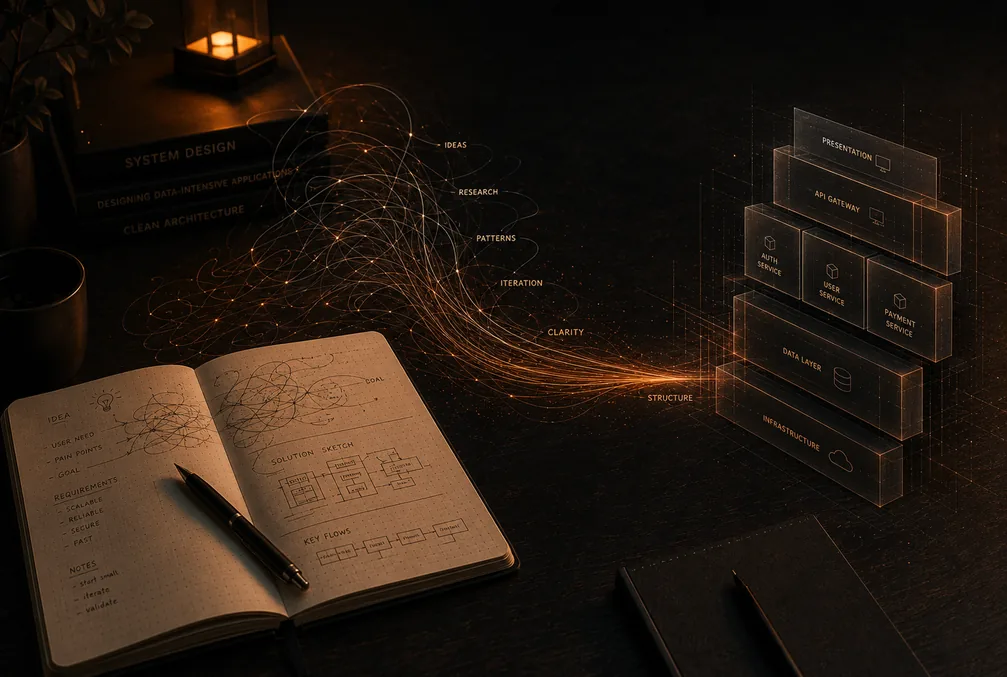
This is a build-in-public post about Labiba AI, a RAG assistant I built solo for Zain's Legal Affairs department.
Every RAG demo starts the same way: load some clean PDFs, chunk them, embed them, ask a question, get a magical answer. Then you meet a real archive. Ours was years of Arabic legal correspondence — scanned letters with letterheads, stamps, signatures, mixed fonts, and the occasional skewed photocopy of a photocopy. Step one of the pipeline is "extract the text," and step one is where everything fell apart.
The constraint that shaped everything
Before the OCR story makes sense, you need one piece of context: nothing in this system was allowed to leave Zain's infrastructure. These are legal documents — sending them to a cloud OCR API or a hosted LLM was never on the table. The whole stack runs on-premise: a Nuxt.js frontend, a FastAPI backend, and local models served by Ollama behind a LiteLLM proxy. The proxy matters more than it sounds: it gave me one OpenAI-compatible interface for every model, so I could swap models during experiments without touching application code.
Traditional OCR and Arabic: a hard combination
I started where everyone starts — conventional OCR engines. For Arabic, the results ranged from mediocre to actively harmful. Connected script, diacritics, right-to-left layout mixed with left-to-right reference numbers and dates, decorative letterhead fonts — each of these degrades recognition, and legal letters have all of them on the same page.
The failure mode that scared me most wasn't missing text. It was confidently wrong text. In a RAG system, OCR errors don't look like errors to the user — they get embedded, retrieved, and served back inside a fluent answer. Garbage in, authoritative-sounding garbage out. For a legal department, that's disqualifying.
The unlock: let the model do the reading
The fix came from a direction I'd initially dismissed as too expensive: skip the OCR engine entirely and have a vision-capable model read the page images directly. I was already running gemma4:26b locally for generation; pointing it at document scans changed the ingestion game completely.
Where the OCR engine saw pixels and guessed characters, the vision model read the page the way a person does. It handled the letterhead, ignored the stamp overlapping a paragraph, kept the right-to-left flow intact, and — crucially — produced text that was clean enough to embed and retrieve against with confidence.
The honest trade-offs
- It's slower and heavier than an OCR engine. A vision model reading every page costs real GPU time. This is fine for ingestion, which is an offline batch process — nobody is waiting on it. I would not put it in a synchronous user-facing path.
- Vision models can hallucinate too. An OCR engine fails loudly with mangled characters; a language model can fail smoothly by "correcting" what it reads into something plausible. Spot-checking model output against source scans became part of the ingestion workflow, not an afterthought.
- Local-only makes this harder, not easier. The frontier cloud vision models would likely do even better, but they were off-limits. The lesson is that an open-weight model you can actually run is worth more than a better model you can't.
What I'd tell past me
Ingestion quality is the ceiling on everything downstream. No amount of clever retrieval or prompt engineering recovers information that was mangled on the way in. If your source material is scanned Arabic documents, budget your effort accordingly: I spent more time on reading documents correctly than on any other part of the system — and it was the right call.
Conversation
0No comments yet — start the conversation.
Leave a Comment
Your email address will not be published. Comments appear after moderation.